

What’s New at Blueink - March 2026

Here’s everything new in Blueink for March 2026
This month’s updates are focused on reducing friction across the entire document lifecycle. From faster signing experiences to easier search and bulk actions, these features are designed to help teams move through workflows with fewer steps and more control.
Apply Signature Everywhere
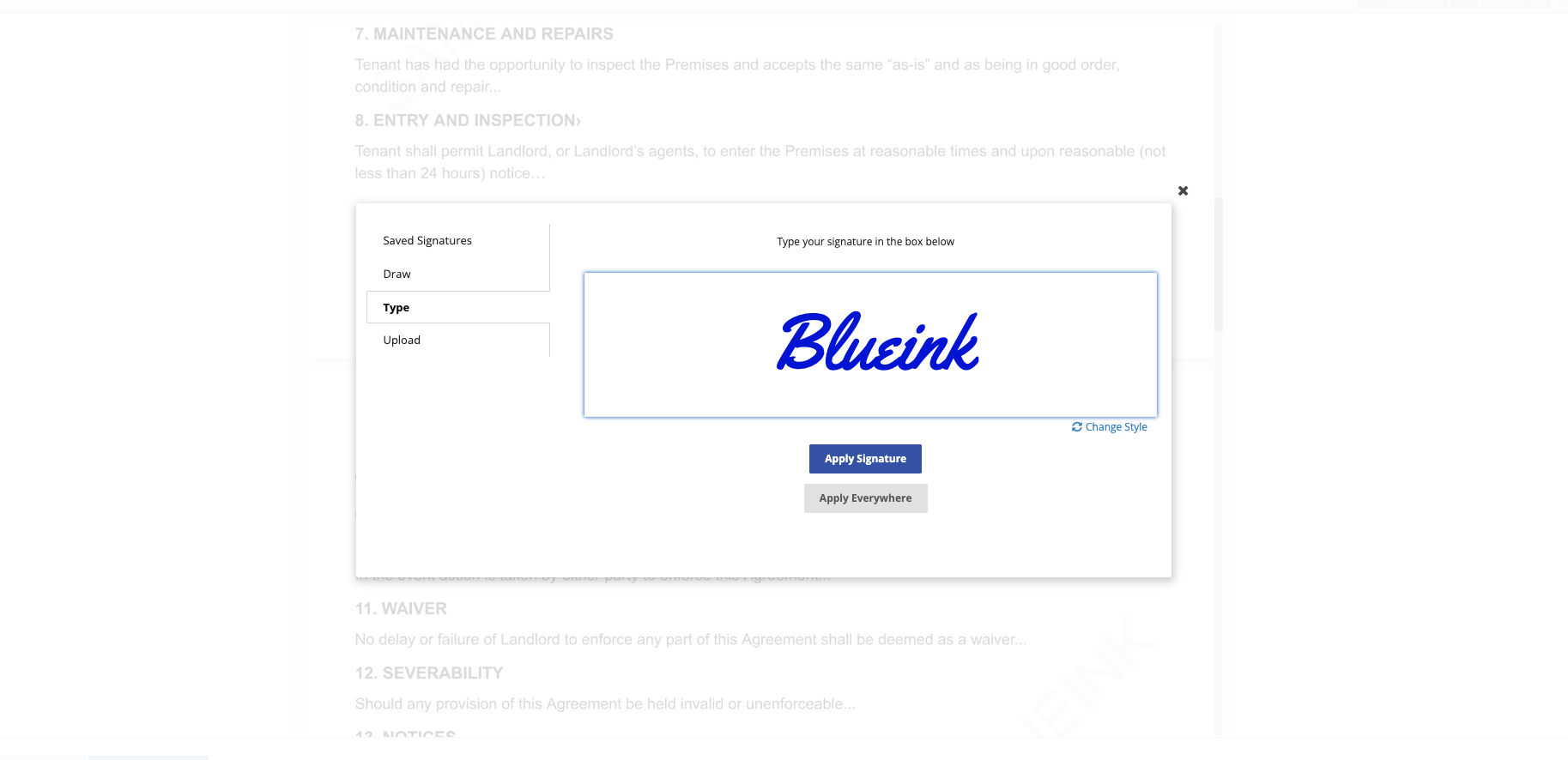
Signing documents with multiple signature fields no longer needs to be repetitive.
With Apply Signature Everywhere, signers can place their signature once and automatically apply it to all required signature fields assigned to them. This eliminates the need to click and sign each field individually, which is especially useful in agreements or forms that require multiple signatures from the same person.
By reducing repeated actions, documents can be completed faster while lowering the risk of missed signature fields. The result is a smoother signing experience that keeps workflows moving without unnecessary delays.
Read: How to Set Up Apply Signature Everywhere
Link Fields
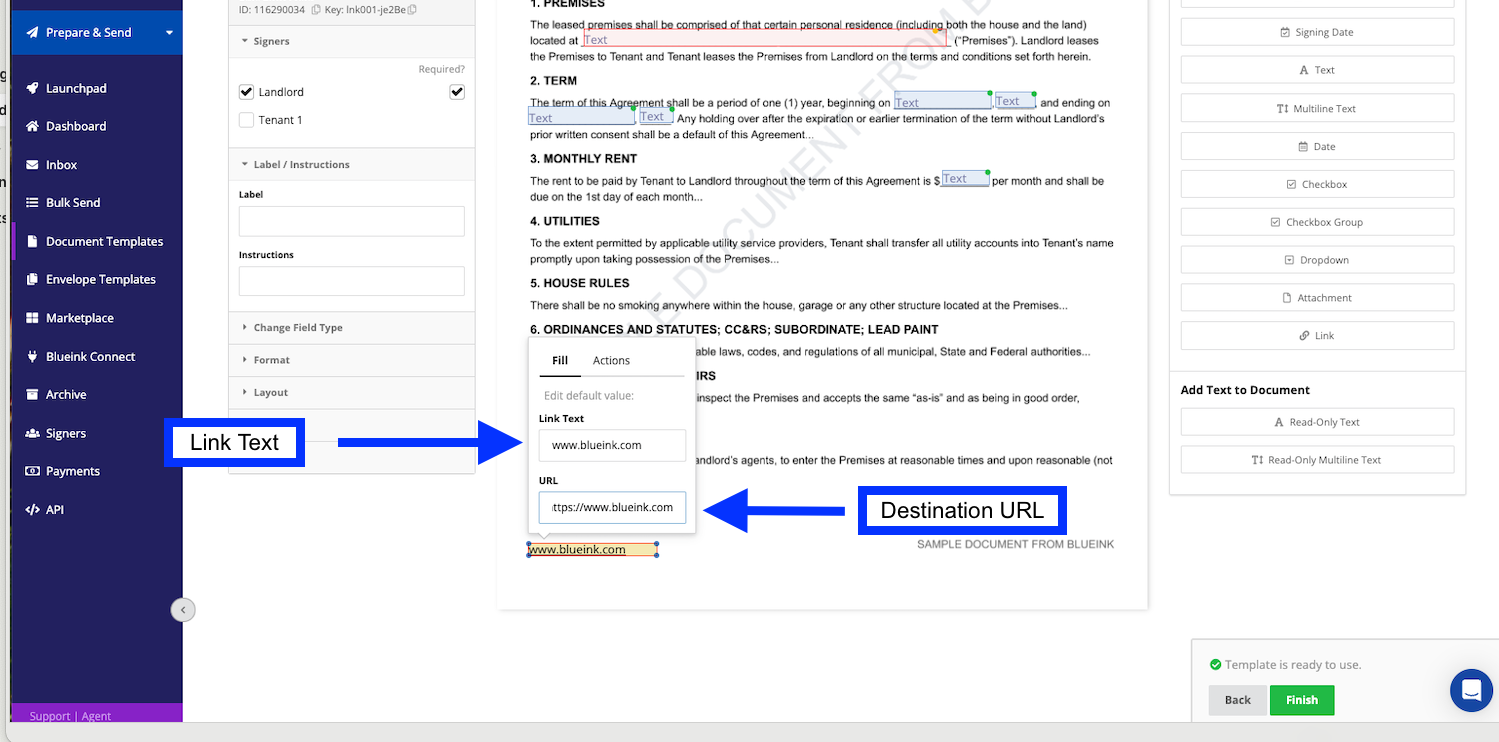
Providing context during the signing process is now more seamless.
Link Fields allow you to embed clickable, read-only links directly inside your documents. Instead of directing signers to external resources or separate communications, you can now give them access to relevant information exactly where they need it.
Links open in a new window, so the signing session remains uninterrupted. This helps maintain focus while still giving signers the ability to review supporting materials such as terms, policies, or additional documents.
For workflows that rely on external references, this keeps everything connected without adding extra steps.
Read: How to Use Link Fields in Blueink
Download All Completed Envelopes
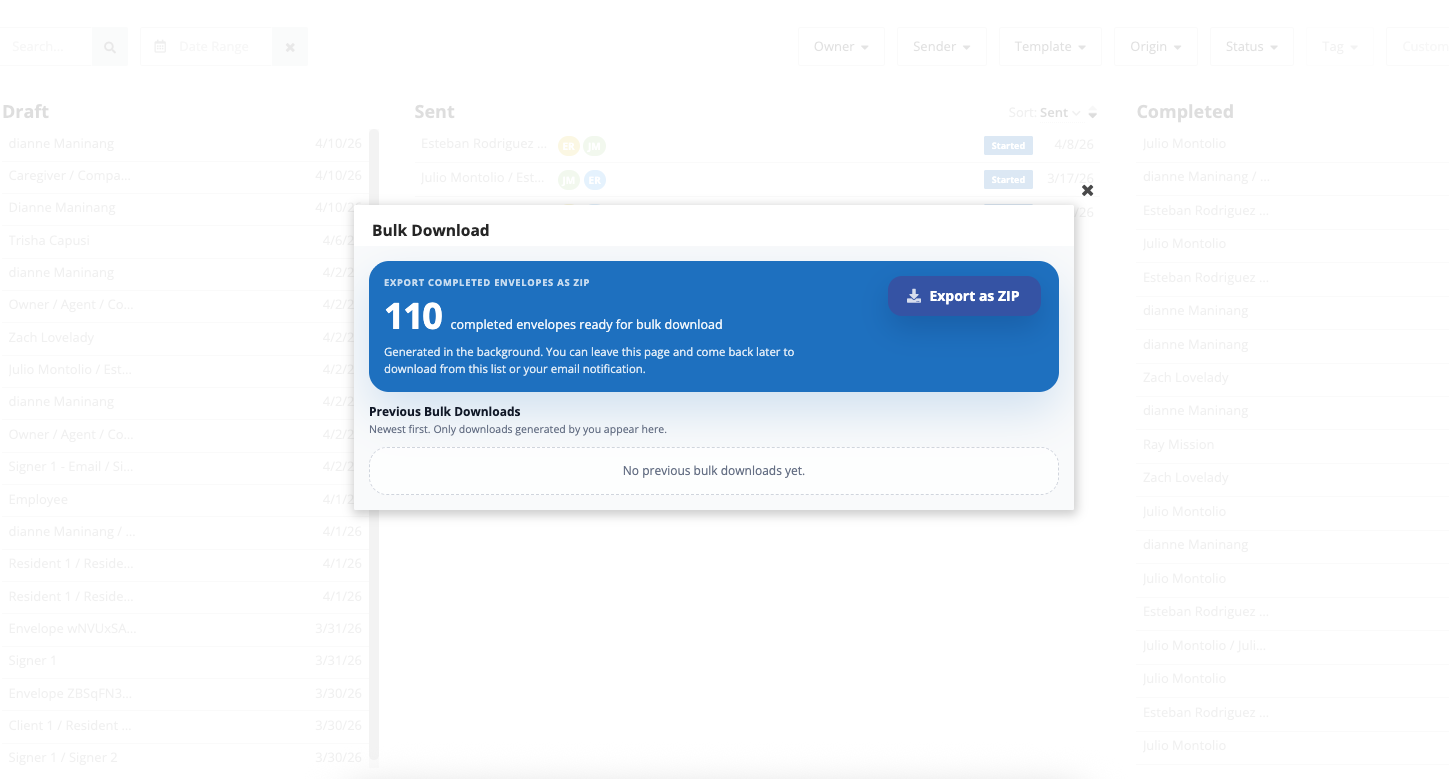
Exporting completed documents is now faster and more efficient.
With Download All Completed Envelopes, you can generate a bulk download and retrieve multiple completed documents in a single ZIP file. Instead of downloading envelopes one by one, everything can be packaged and delivered in one request.
The process runs in the background, allowing you to continue working while your files are being prepared. You can also apply filters to download only the documents you need, making it easier to stay organized when handling large volumes.
For teams managing high document throughput, this significantly reduces time spent on manual downloads.
Read: How to Download Completed Envelopes in Bulk
Universal Search
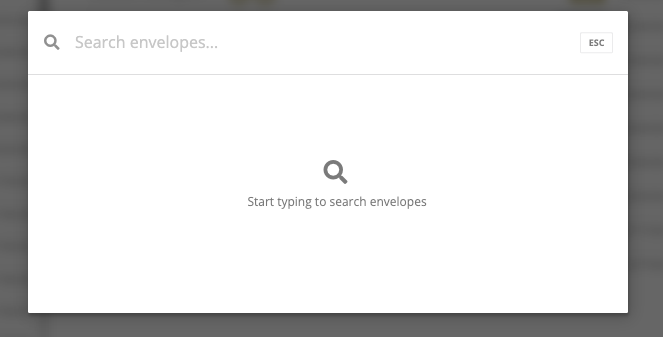
Finding documents and details is now quicker and more intuitive.
Universal Search introduces a single search bar that allows you to locate envelopes and related information without navigating through multiple pages or filters. You can search using details such as envelope name, ID, or signer information and access results instantly.
With keyboard shortcut access and quick navigation to results, this feature simplifies how users move through the platform. It also helps teams locate information faster, especially when managing a large number of documents.
Read: How to Use Universal Search
Change Signing Brand After Sending
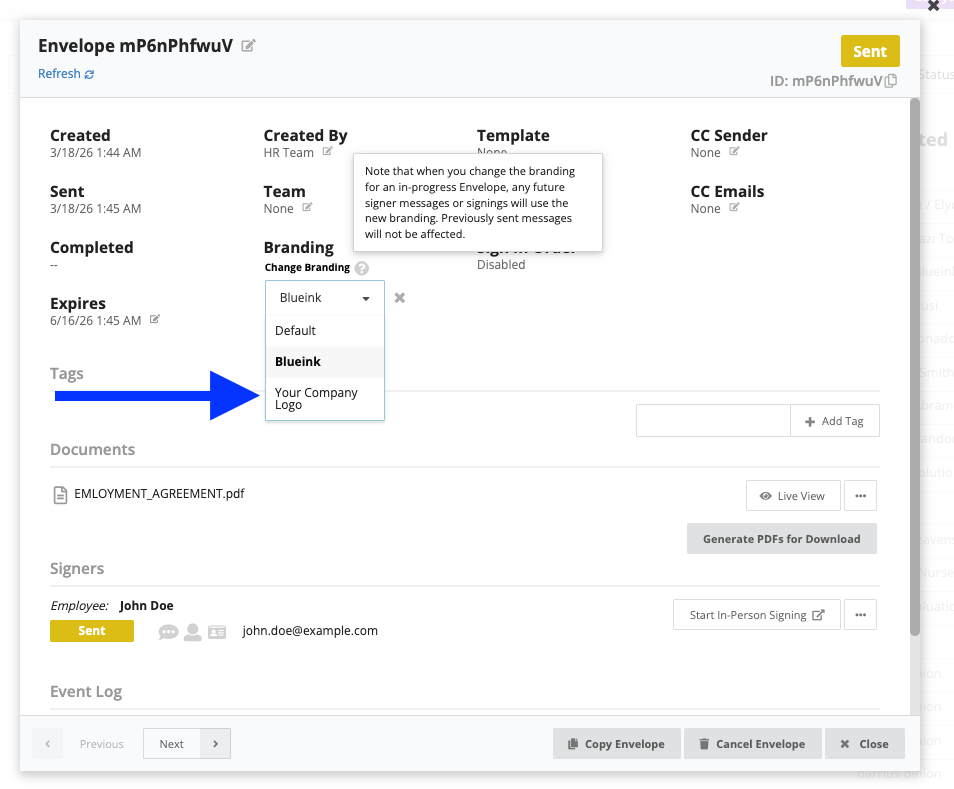
Branding updates no longer require restarting your workflow.
You can now update the Signing Brand even after an envelope has already been sent. This allows you to adjust branding for documents that are still in progress without canceling or resending them.
Once updated, future signer interactions will reflect the new branding, while previously sent messages remain unchanged. This ensures consistency moving forward without disrupting documents that are already underway.
This is particularly useful for teams managing multiple brands or making updates on the fly, where flexibility is needed without slowing down execution.
Read: How to Change Signing Brand After Sending an Envelope
Explore the new features and see how they can streamline your workflows. For more details, visit the Help Center or connect with our team for guidance.