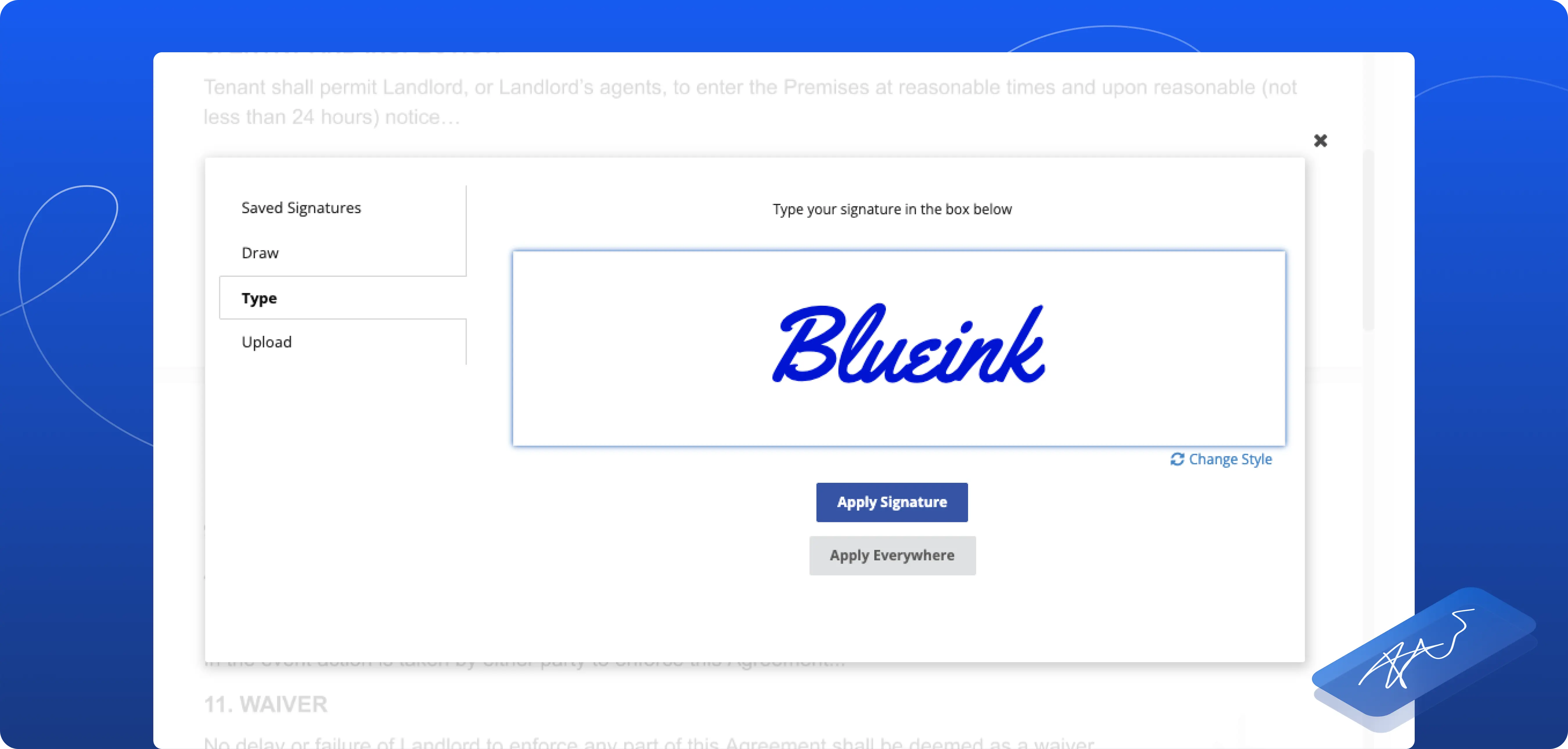

Apply Signature Everywhere: Faster Signing for Multi-Signature Documents

Blueink is introducing Apply Signature Everywhere, a new feature designed to simplify the signing process for documents that contain multiple signature fields.
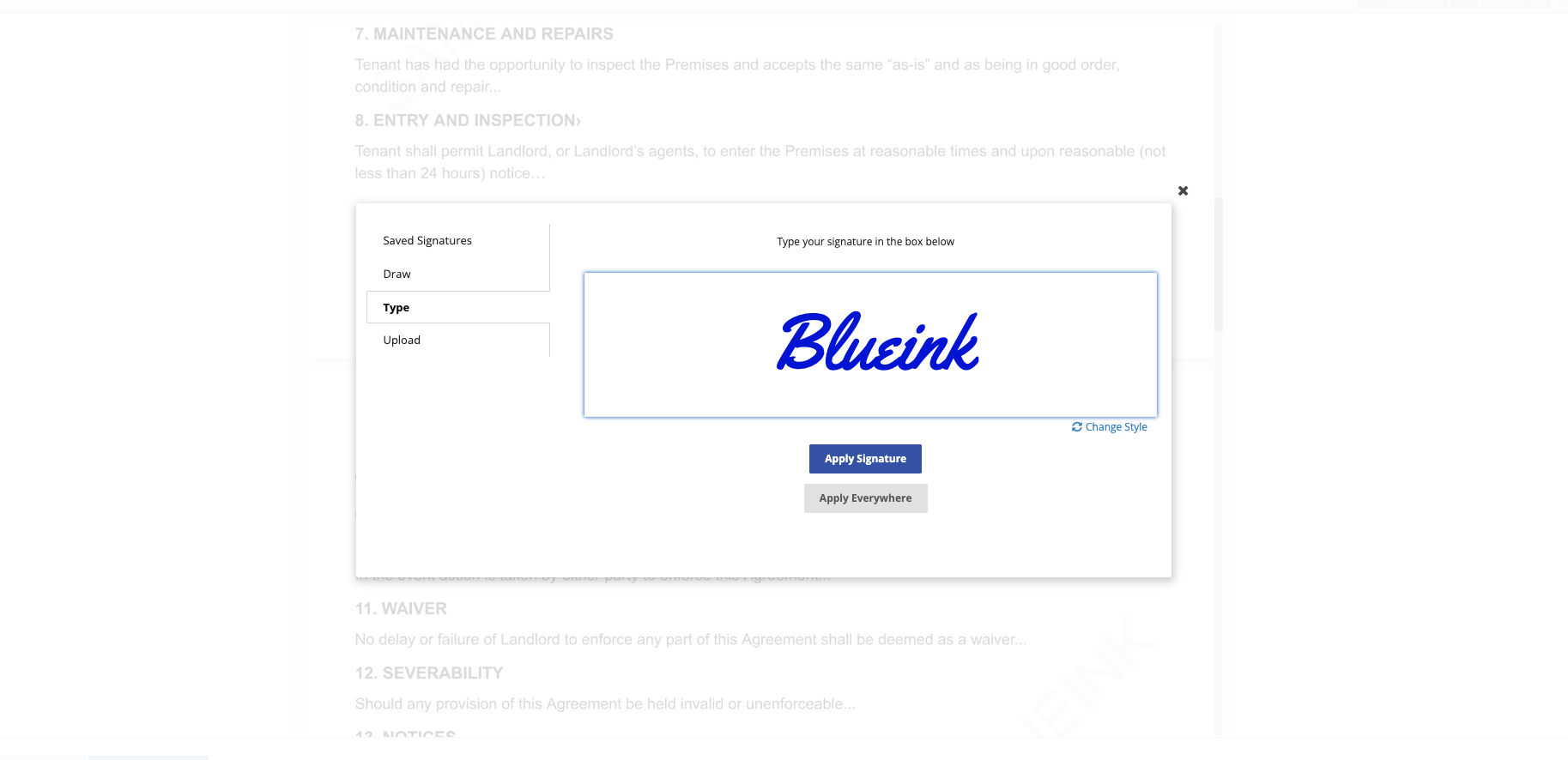
With this feature, you can allow signers to apply their signature to all signature fields assigned to them in a document at once. Instead of signing each field individually, the signer can place their signature once and select Apply Everywhere, allowing the system to automatically populate all required signature fields.
What This Feature Solves
Previously, signers needed to complete every signature field one by one. When documents included multiple signature locations, this often meant repeating the same action several times. For example, if a document contained 10 signature fields, the signer would need to click and sign 10 separate times.
This could slow down the signing process and increase the chance of accidentally missing a required signature field. Apply Signature Everywhere simplifies this process by reducing multiple signing actions to a single step.
How Apply Signature Everywhere Works
When Apply Signature Everywhere is enabled in the document template:
- The signer places their signature once
- The signer selects Apply Everywhere
- Blueink automatically applies the signature to all signature fields assigned to that signer in the document
This allows your signers to complete documents faster while ensuring all required signature fields are filled.
Why This Matters
Faster Signing
Your signers can complete documents more quickly by signing once instead of repeating the same action multiple times.
Improved Signing Experience
Reducing repetitive actions makes the signing process smoother and more user-friendly.
Lower Risk of Missing Signatures
Because the system fills all signature fields automatically, there is less chance of leaving required fields incomplete.
Ideal for Documents with Multiple Signature Fields
This feature is especially useful for contracts, agreements, and forms that require several signatures from the same signer.
Get Started
Apply Signature Everywhere is now available during document preparation and can be enabled for documents that include multiple signature fields.
For detailed instructions on how to enable and use this feature, check out our step-by-step guide.
If you are not yet using Blueink and would like to explore how our eSignature platform can simplify your document workflows, you can schedule a demo with our team to see the platform in action.