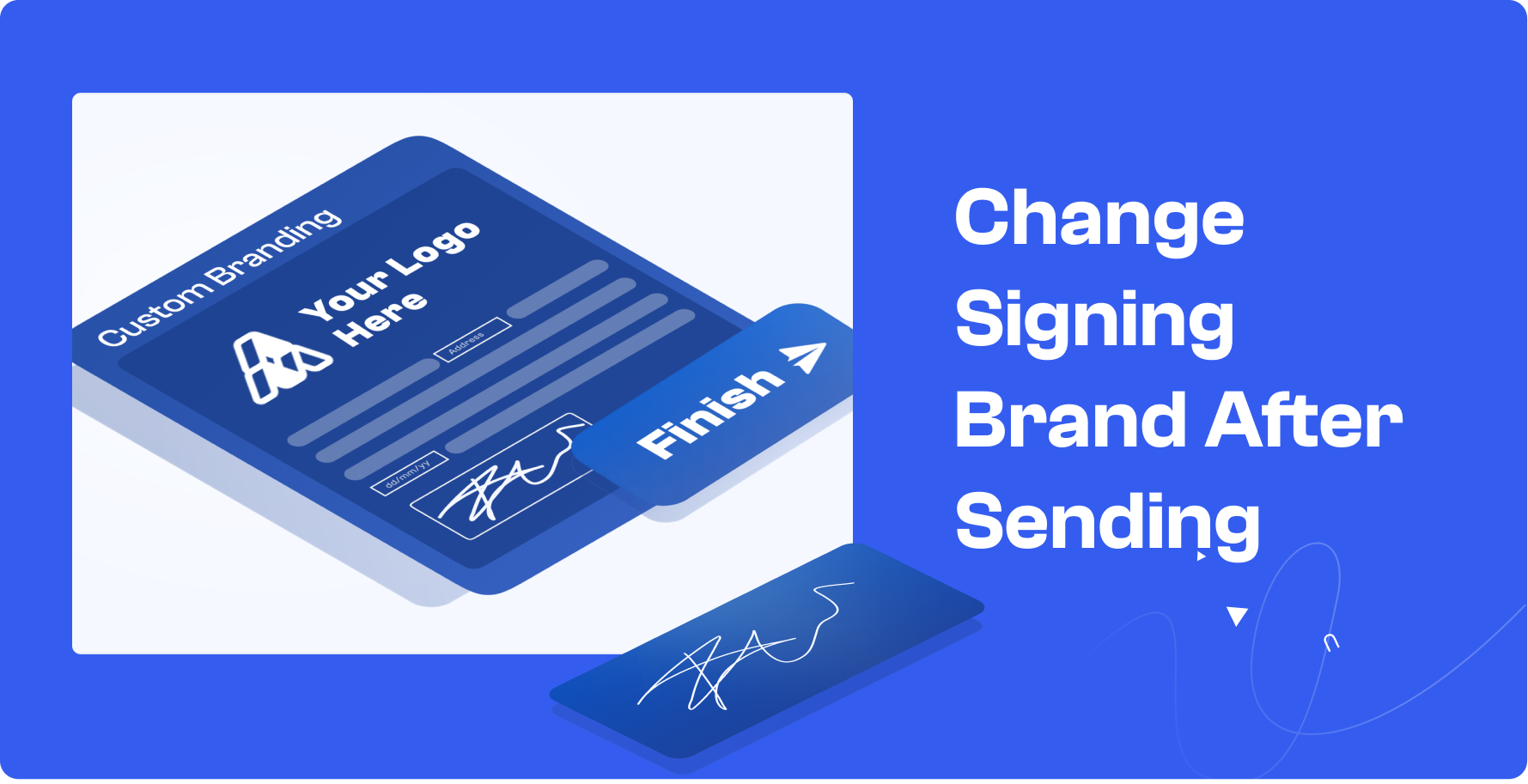

Change Signing Brand After Sending: More Flexibility Without Restarting Workflows

Blueink is introducing a new update that allows you to change the Signing Brand even after an envelope has been sent.
With this feature, you can update branding for documents that are already in progress, without canceling, editing, or resending the envelope.

What This Feature Solves
In some cases, branding may need to be updated after a document has already been sent.
Previously, this required restarting the workflow or leaving the existing branding unchanged. This update allows you to make branding changes while the document is still active.
How It Works
When managing an in-progress envelope:
- Open the document from your Sent or In Progress list
- Select a new Signing Brand from the branding options
- Save your changes
Once updated:
- Future signer notifications will reflect the new branding
- Ongoing signing sessions will use the updated brand
- Previously sent messages will remain unchanged
This ensures a smooth transition without disrupting the signing process.
Why This Matters
Adapt Without Restarting
Make branding updates without canceling or resending documents.
Maintain a Consistent Experience
Ensure future signer interactions reflect your most current branding.
Reduce Workflow Disruptions
Avoid delays caused by restarting documents or correcting branding errors.
Support Evolving Business Needs
Easily align documents with different teams, brands, or updates as they happen.
Get Started
This feature is now available for all Blueink users and can be accessed directly from your Sent or In Progress documents.
For step-by-step instructions on how to update your Signing Brand, check out our guide.
If you are not yet using Blueink and would like to explore how our eSignature platform can simplify your document workflows, you can schedule a demo with our team to see the platform in action.