Simplify form filling and signing for every signer


Stop making signers hunt for the same answer on every page
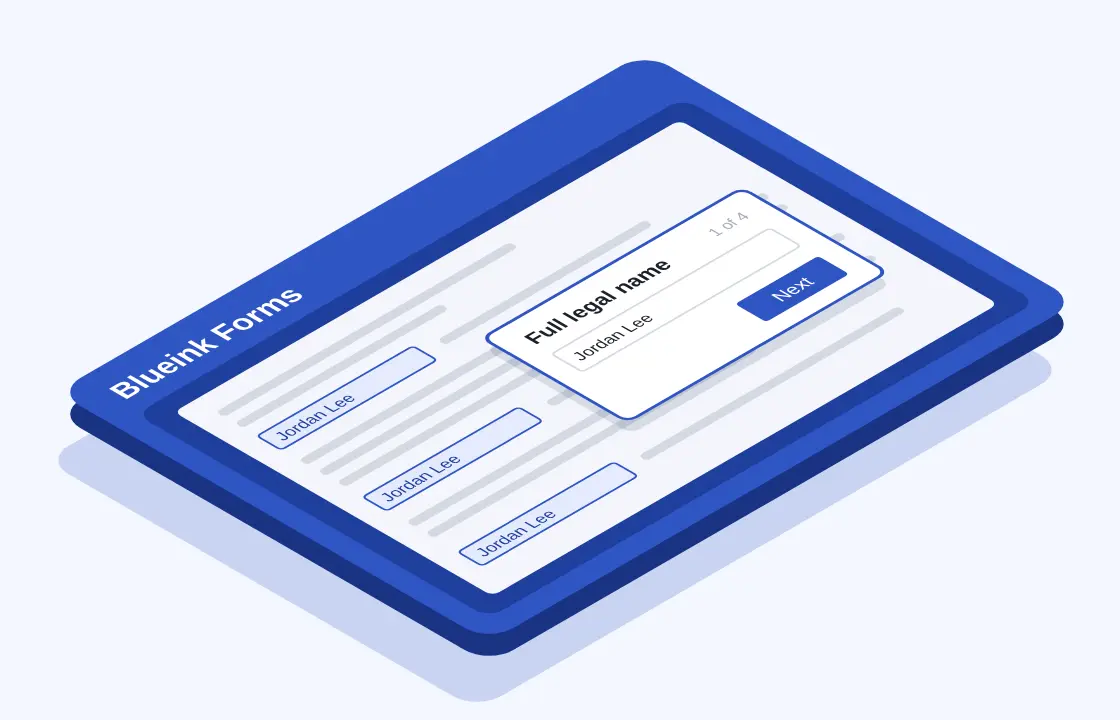
Answer once and let Blueink fill every matching field
Turn the fields on an Envelope Template into guided questions, and fields that share a Data Flow Tag are grouped into a single question. One answer then populates every matching field across the envelope, so the data flows into each document in the packet. Signers type less, and the same information stays consistent from one document to the next.
Deliver a clear, mobile-friendly experience to your signers
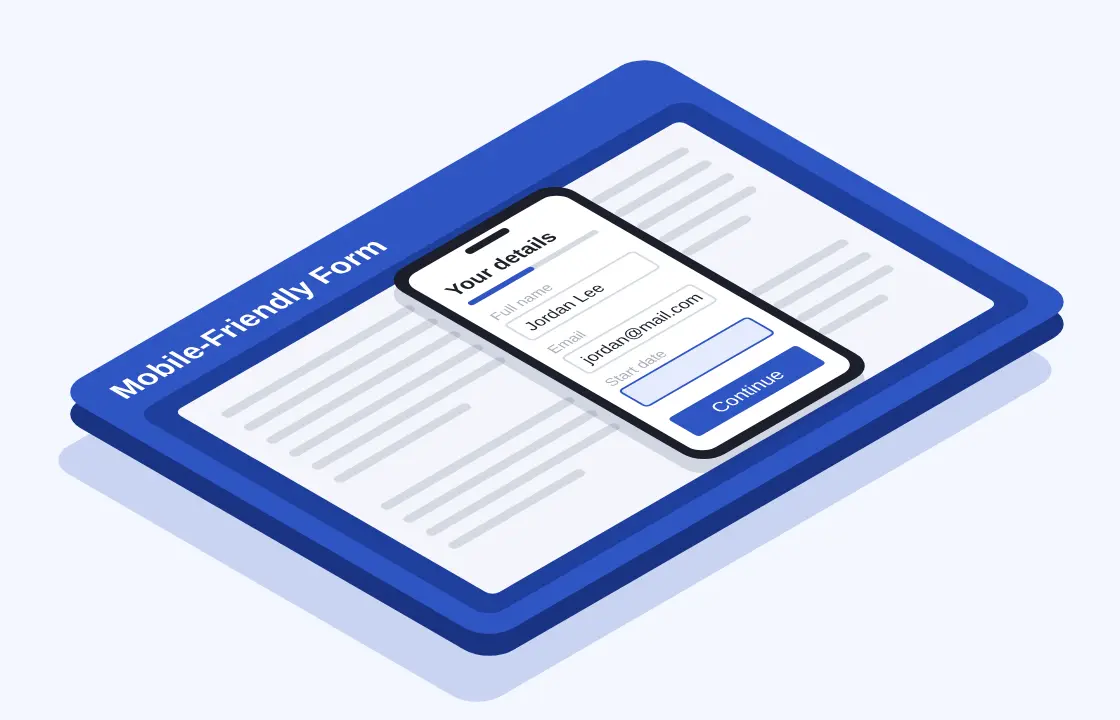
Each question appears in a clean layout that adapts to any screen size. Signers work through clear questions instead of hunting for fields page by page. They review their answers in place and sign when they are done.
Customize your form and publish when it is ready
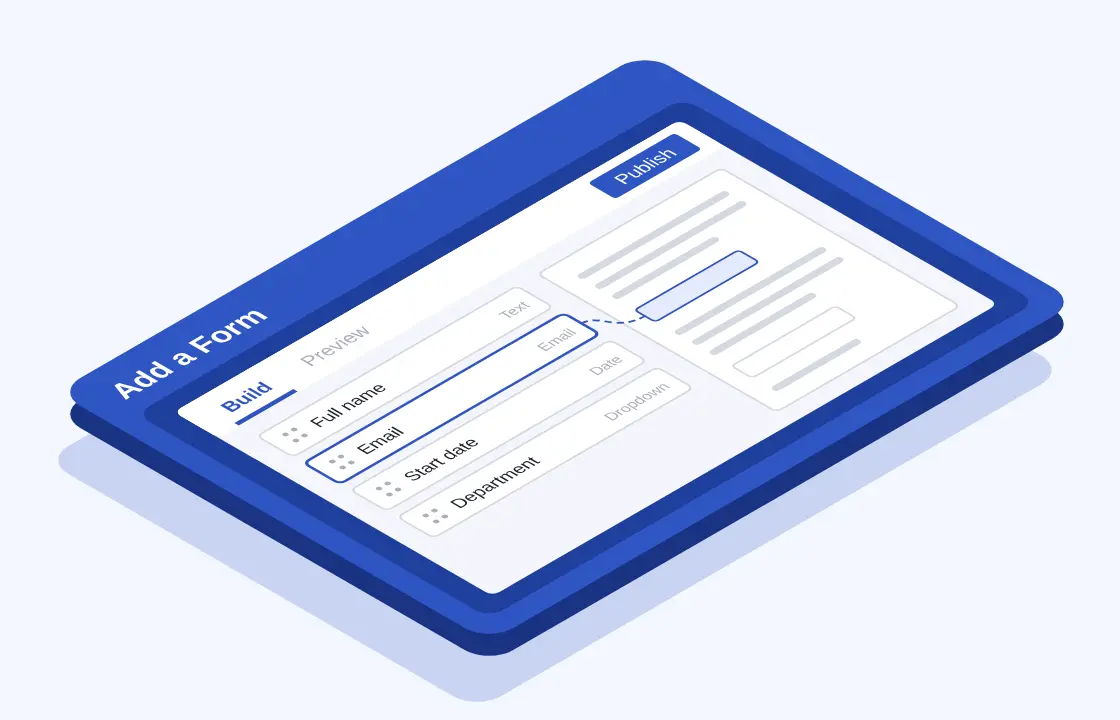
Edit the form title, question labels, help text, choices and layout to guide signers clearly. Required document fields stay required on the form. Drafts are never sent to signers. Only the published version appears on new envelopes, and envelopes that are already sent keep the version they started with.
See exactly where every answer goes
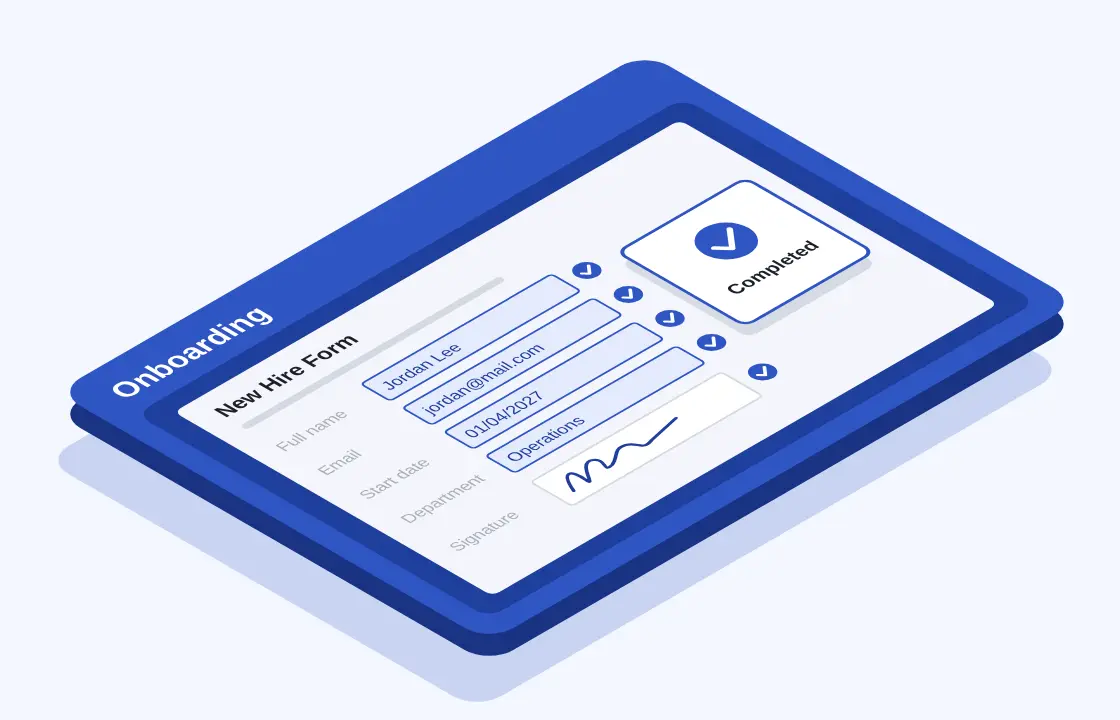
The Mappings view places your form next to a document preview. Select any question to highlight every field it fills, across pages and documents. When your documents change, re-sync the form so your questions and document fields stay aligned.
Testimonials
Pick your plan
Standard
Similar to DocuSign
Standard plan - 40% less
$180 billed annually
Buy NowBusiness Pro
Similar to DocuSign
Business Pro plan - 25% less
$360 billed annually
Buy NowBlueink Unlimited
Similar to DocuSign
Professional Unlimited - 86% less
$480 billed annually
Buy NowLooking for quote? Request a personalized quote from Blueink.
Advanced functionality at the best price


FAQs
Blueink Forms is form automation software inside Blueink eSignature. It turns the fields assigned to a signer on an Envelope Template into one simple form. The signer answers the form after agreeing to sign, and Blueink writes each answer onto the matching fields in the documents.
Many documents ask for the same information more than once. Blueink Forms lets signers enter a name, date, address or other detail one time, so they spend less time retyping and your documents come back with consistent information.
Document fields that share a Data Flow Tag are combined into one form question. When the signer answers it, Blueink fills every field with that tag across the envelope. There is no need to pre populate forms or autofill PDF files by hand, which reduces mismatched entries between documents.
Blueink Forms is enabled on eligible accounts by Blueink. Open an Envelope Template and select the Forms tab. If you do not see the Forms tab, contact Blueink Support or schedule a demo.