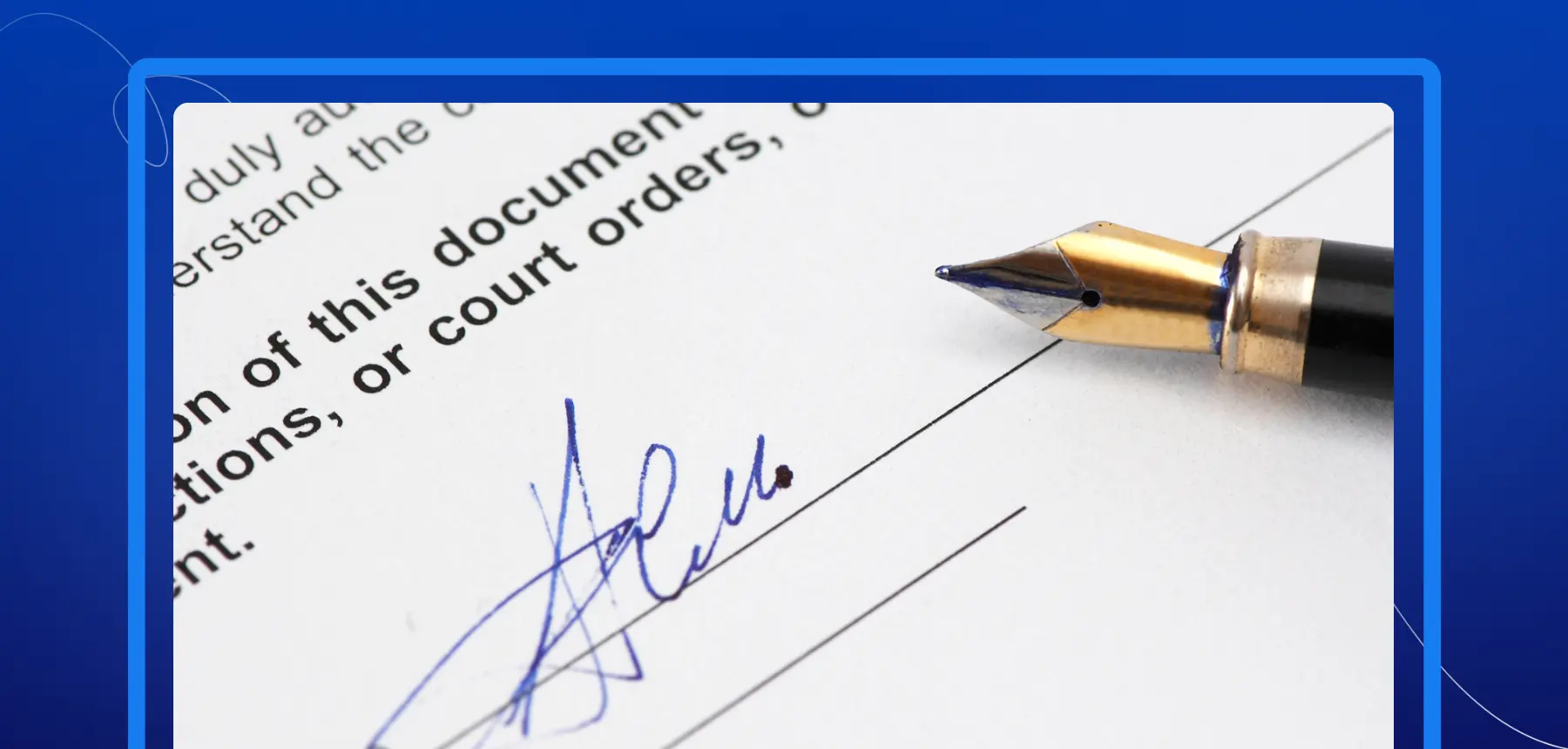
Top 4 Ways to Create a Handwritten Signature Online in 2026

In 2026, creating a handwritten signature online is easier, faster, and more secure than ever. What used to require scanning, editing software, or manual formatting can now be done in minutes with modern digital tools.
Yet despite the rise of digital contracts and automated workflows, handwritten signatures still hold strong symbolic and practical value. They represent identity. They communicate intent. They create a sense of authenticity that typed text cannot replicate.
Whether you are signing business contracts, onboarding documents, invoices, NDAs, or internal approvals, having a clean, professional digital version of your handwritten signature is essential.
The good news is that today’s online signature maker platforms and electronic signature app tools offer multiple ways to create signature online, each suited to different preferences and use cases.
In this guide, we explore the top four ways to create a handwritten signature online in 2026, along with practical advice to help you choose the best method for your needs.
Why a Handwritten Signature Still Matters in 2026
Even in a fully digital environment, handwritten signatures continue to matter.
First, they reinforce trust. A handwritten signature feels personal and intentional. It shows that someone reviewed and approved the document.
Second, they support personal branding. Many professionals use consistent signature styles across contracts, emails, and agreements. Over time, that signature becomes recognizable and associated with their name.
Third, certain industries still expect handwritten-style signatures for formal agreements. While electronic signatures are legally binding under U.S. law, many clients and partners prefer the visual familiarity of a handwritten signature applied digitally.
Finally, handwritten signatures add clarity in a world of automated workflows. When documents move quickly between systems, a signature helps mark a clear point of consent and accountability.
That is why tools that allow users to create signature online in a natural, handwritten format continue to grow in popularity in 2026.
What to Look for in an Online Signature Maker or Electronic Signature App
Before choosing an online signature maker, take time to evaluate the tool carefully. Not every solution offers the same level of usability, customization, or security.
Ease of Use
The best tools are intuitive. You should be able to create, edit, and save your signature without complicated steps. If the interface feels confusing, the process will slow you down.
Customization
Your signature should look like you. A strong electronic signature app allows you to adjust thickness, style, angle, and size. Some platforms also allow smoothing or refinement to improve the final appearance.
Security and Encryption
Your signature is part of your identity. Make sure the platform protects stored signatures with encryption and secure authentication methods.
Device Compatibility
In 2026, professionals sign documents across laptops, tablets, and smartphones. Your chosen tool should function consistently across devices.
Workflow Capabilities
If you frequently send documents for signature, you may want more than a simple signature generator. Platforms such as Blueink combine the ability to create signature online with structured workflows, document tracking, and secure storage. This ensures that your signature is not only created properly but also applied and managed securely within a full document process.
Taking these factors into account will help you select the right solution.
The Top 4 Ways to Create a Handwritten Signature Online in 2026
Let’s explore the four most effective methods available today.
1. Drawing Your Signature with an Online Signature Maker
One of the most common ways to create a signature online is by drawing it directly on screen using an online signature maker.
This method closely mimics writing with a pen. Most platforms allow you to draw using a mouse, trackpad, stylus, or touchscreen. The experience is especially smooth on tablets with stylus support.
After drawing your signature, you can adjust:
- Line thickness
- Stroke smoothing
- Color
- Size and positioning
Some tools also allow zooming for precision and offer undo features for correcting mistakes.
When This Method Works Best
Drawing your signature online is ideal if you want maximum control. It allows you to preserve your natural handwriting style and refine it until you are satisfied.
It is particularly useful for professionals who already have a well-established handwritten signature and want to replicate it digitally.
However, using a mouse can sometimes produce uneven strokes. For best results, use a stylus or touchscreen device.
Once finalized, your signature can be downloaded as a transparent PNG file or stored within the electronic signature app for repeated use.
2. Uploading a Scanned Handwritten Signature
If you prefer the authenticity of pen and paper, uploading a scanned version of your signature is another reliable method.
To do this:
- Write your signature clearly on white paper.
- Use a scanner or high-resolution smartphone camera.
- Upload the image to an online signature maker.
- Remove the background and enhance clarity.
Many modern tools include automatic background removal and contrast adjustment features. This ensures your digital signature looks clean and professional.
Advantages of This Approach
This method preserves the exact look of your handwritten signature. It is often preferred for formal agreements or situations where maintaining the organic details of your writing is important.
It also allows you to practice on paper until you are satisfied before uploading the final version.
Be sure to store the digital file securely. Avoid saving your signature in unsecured folders or public cloud drives without encryption.
3. Using an AI-Powered Signature Generator
Artificial intelligence continues to evolve in 2026, and AI-powered signature tools have become more advanced.
An AI-based online signature maker can generate realistic handwritten-style signatures based on your name and selected design preferences.
You typically enter your name, choose style variations, and review several generated options. Some platforms allow further refinement to adjust slant, spacing, and flourish.
Why AI Generators Are Popular
AI tools offer speed and variety. Instead of manually drawing multiple versions, you can preview several styles instantly.
They are ideal for users who:
- Want a stylized but readable signature
- Prefer convenience over manual drawing
- Need multiple design options quickly
However, review the final output carefully. Make sure it looks natural and aligns with your professional image.
4. Creating a Signature with a Mobile Electronic Signature App
Mobile devices now play a major role in document workflows. A modern electronic signature app allows you to create and apply your handwritten signature directly from your smartphone or tablet.
This method is especially practical for remote teams and professionals who travel frequently.
Using your finger or stylus, you can draw your signature directly within the app. Once saved, it can be inserted into contracts, forms, and PDFs instantly.
Why This Method Is Powerful in 2026
Mobile-first signing supports:
- Immediate document turnaround
- Remote contract execution
- Real-time collaboration
Platforms like Blueink combine signature creation with secure document workflows. This means you can create signature online, insert it into structured forms, assign signer roles, and track document completion all within the same system.
This integrated approach reduces manual steps and improves document control.
Step-by-Step Guide: How to Create Signature Online
If you are ready to begin, follow these simple steps:
- Select a trusted online signature maker or electronic signature app.
- Choose your preferred creation method.
- Customize the appearance.
- Save the signature securely.
- Test it in a sample document before official use.
If you plan to sign frequently, store your signature within a secure signing platform rather than as a standalone image file.
Tips for a Professional and Unique Handwritten Signature
Your signature should reflect your identity while remaining clear and practical.
Keep it simple and readable. Avoid excessive embellishments that may not render well digitally. Maintain consistent stroke patterns to build recognizability.
Practice several versions before finalizing your digital version. A signature that looks balanced on paper may appear different when scaled inside a PDF.
When you create signature online, avoid:
- Low-resolution uploads
- Overcomplicated designs
- Poor contrast between ink and background
- Storing signature files in unsecured locations
These mistakes can reduce professionalism and increase security risks.
Choosing the Best Way to Create Your Handwritten Signature Online
There is no single method that works for everyone.
Drawing offers full creative control. Uploading preserves the authenticity of your original handwriting. AI tools provide speed and design flexibility. Mobile electronic signature app platforms deliver convenience and real-time access across devices.
The right approach depends on how often you sign documents, the level of security you need, and whether you want a simple signature file or a complete document workflow solution.
In 2026, creating a handwritten signature online is not just about appearance. It is about efficiency, security, and ensuring your documents move forward without friction.
If you regularly sign contracts or manage approvals across your organization, start a free trial of Blueink to create your signature online and experience a secure, streamlined document workflow from creation to completion.
Disclaimer
Blueink is not a law firm and does not provide legal advice. This page is for informational purposes only and should not be considered a substitute for professional legal counsel. If you have questions about the validity or enforceability of eSignatures or digital signatures, we recommend consulting with a licensed attorney. Use of Blueink’s services is subject to our Terms of Use and Privacy Policy.

Recent post
October 6, 2026
October 1, 2026
September 22, 2026
September 15, 2026