

How to Choose the Right DocuSign Alternative

Your DocuSign free trial has ended. The reminder email arrives, the pricing page opens, and suddenly a tool you used for one or two documents a month now comes with a recurring cost that feels hard to justify. At that moment, many businesses pause and ask the same question: Do we really need DocuSign, or are there better alternatives?
This question isn’t just about price. It’s about fit. As electronic signatures have become standard across industries, organizations of all sizes are realizing that the most recognizable brand is not always the most practical solution for their specific workflow. From freelancers sending a handful of contracts each month to growing teams managing approvals at scale, the demand for flexible, cost-effective electronic signature software continues to rise.
The good news is that legally binding, secure eSignatures are no longer limited to a single vendor. Thanks to mature regulations, standardized security practices, and modern cloud infrastructure, businesses now have access to a wide range of DocuSign alternatives including free and freemium options that meet professional, legal, and operational requirements.
This article explores why businesses look for alternatives to DocuSign, how electronic signatures remain legally valid across platforms, and how to choose the right solution based on your actual needs rather than brand recognition alone.
Are DocuSign Alternatives Legally Binding?
For many businesses, legality is the first and most important concern. If a document is signed using a different platform, will it hold up if challenged? In the United States, the answer is clear.
The federal Electronic Signatures in Global and National Commerce Act (ESIGN Act) established more than two decades ago that electronic signatures carry the same legal weight as handwritten signatures, provided certain conditions are met. This law applies regardless of which software provider is used.
What matters is not the name of the platform, but whether the signing process demonstrates:
- Intent – The signer clearly intended to sign the document.
- Consent – All parties agreed to conduct business electronically.
- Record integrity – A secure, retrievable record of the signing process exists.
Any reputable electronic signature software including free alternatives to DocuSign is designed to meet these requirements. When implemented correctly, the result is a legally binding agreement that stands up in audits, disputes, and court proceedings.
In practice, compliance is enforced through system design rather than legal expertise on the user’s part. A compliant platform automatically records signer actions, timestamps, and verification data, creating a reliable digital trail of evidence.
Understanding the Audit Trail: Your Digital Proof
One of the most important features behind every valid electronic signature is the audit trail. This is the mechanism that transforms a simple click into legally defensible proof.
An audit trail functions much like a delivery tracking history. It records every meaningful interaction with a document from the moment it is sent until the moment it is completed. Once all required signatures are collected, the system generates a certificate or completion record that summarizes the process.
A complete audit trail typically includes:
- Who signed or viewed the document, including names and email addresses
- When each action occurred, captured with precise timestamps
- Where actions originated, often recorded through IP addresses
- What actions were taken, showing that the document remained unchanged
This record provides confidence for both parties. It proves that the document was delivered, reviewed, and signed intentionally, without alteration. Importantly, this feature is not exclusive to premium platforms. Any serious electronic signature software, regardless of price point, includes an audit trail as a core function.
When a Completely Free eSignature Tool Is Enough
Not every situation requires a full-featured platform. Sometimes, a user simply needs to sign a document quickly and move on.
For one-off or personal use cases, browser-based tools allow users to upload a PDF, apply an electronic signature, and download the signed file within minutes. These tools generally do not require account creation and are ideal for tasks such as:
- Signing a lease or employment form
- Completing a permission slip or disclosure
- Returning a document that was already prepared by someone else
These tools are best understood as digital replacements for printing, signing, and scanning. They allow users to place a signature on an existing document but do not support sending documents to others for signature or tracking completion status.
While these free document signing tools are legally valid for many scenarios, they lack advanced controls such as signer authentication, document routing, and centralized record management. As soon as a business needs to send documents to clients or partners, a more robust solution becomes necessary.
Where Blueink Fits Among DocuSign Alternatives
As businesses move beyond one-off document signing, the limitations of basic tools and freemium plans become clear. This is where Blueink stands apart from many DocuSign alternatives.
Blueink is designed specifically for organizations that need legally binding electronic signatures without the cost, complexity, or feature overload associated with large enterprise platforms. It focuses on secure document preparation, sending, tracking, and record retention, all within a workflow that remains easy to manage.
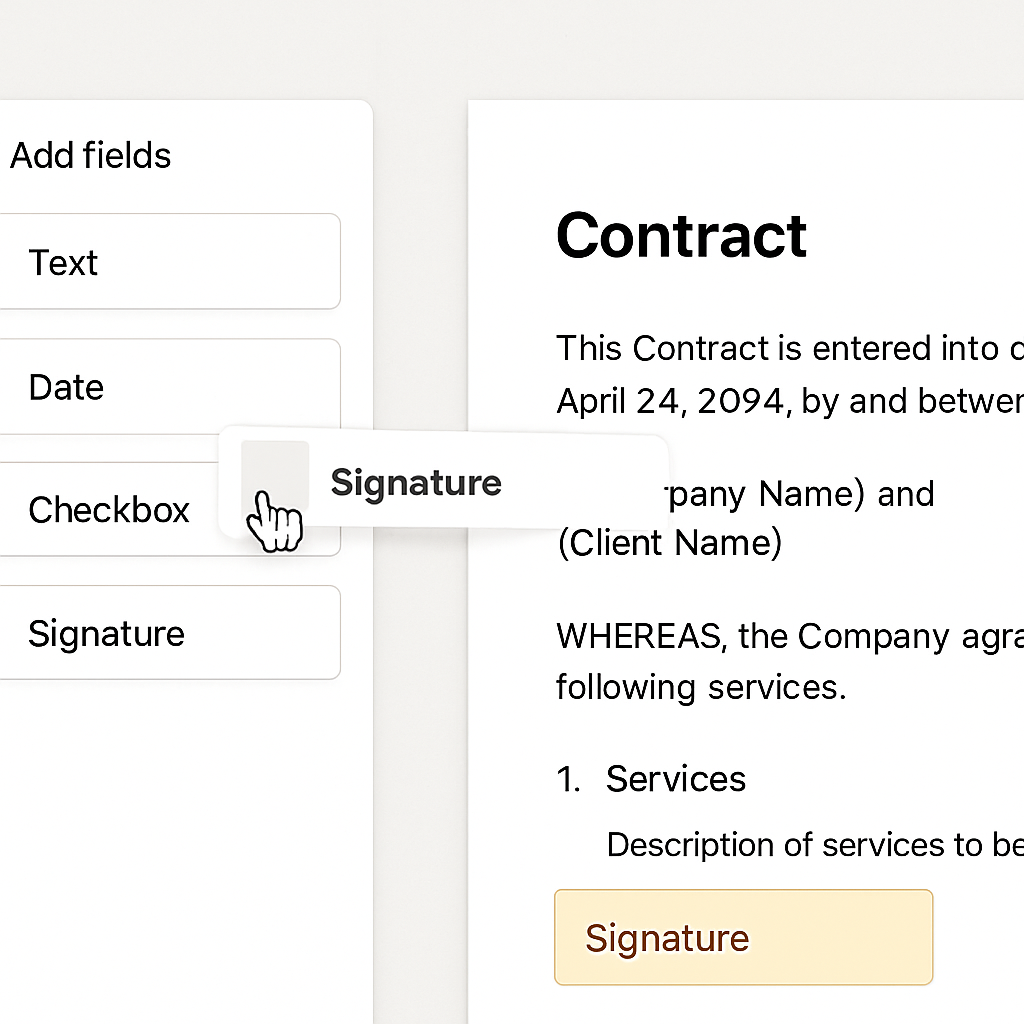
Unlike platforms that combine eSignatures with sales enablement or document creation suites, Blueink keeps the experience focused. Businesses can upload existing documents, apply signature and data fields, send them for signing, and maintain a complete audit trail without unnecessary configuration.
For teams that send contracts regularly, Blueink provides:
- Built-in legal compliance with eSignature laws, including GDPR, ESIGN Act, UETA, HIPAA, and FERPA
- Detailed audit trails for every document
- Reusable templates to eliminate repetitive setup
- Custom branding to reinforce trust and professionalism
- Clear, transparent pricing without aggressive upsells
- Straightforward document sending and tracking designed for real business workflows, not edge cases
This makes Blueink a strong DocuSign alternative for small businesses that have outgrown free tools, as well as for growing organizations that want reliability without paying for features they do not use.
Why Businesses Outgrow Free Plans
As organizations grow, their document workflows become more repetitive and time-sensitive. At this stage, the limitations of free plans become more apparent.
One common friction point is manual setup. Re-uploading the same contract and repositioning signature fields for every client quickly becomes inefficient. This is where paid plans introduce templates reusable documents with predefined fields that dramatically reduce preparation time.
Another factor is branding. Sending contracts that include a company logo and consistent visual identity builds trust and reinforces professionalism. Custom branding is typically reserved for paid tiers.
Finally, volume matters. Businesses that send contracts regularly benefit from predictable pricing rather than worrying about monthly limits or feature restrictions.
Upgrading is less about accessing new features and more about removing friction from established workflows.
How to Choose the Right DocuSign Alternative
Choosing among DocuSign alternatives becomes straightforward when businesses focus on their actual requirements instead of feature lists.
Consider the following questions:
- How many documents do you send for signature each month?
- Do you send the same documents repeatedly?
- Do you need to present a branded, professional experience?
The answers point naturally to the right category of solution free, freemium, or paid.
A freelancer sending a few contracts per month may never need more than a freemium plan. A growing business with standardized agreements will benefit from templates and branding. Larger teams may require role-based access, centralized storage, and advanced workflow controls.
Looking Beyond Brand Recognition
DocuSign played a major role in popularizing electronic signatures, but the market has matured significantly. Today, businesses have more choice than ever, and many alternatives deliver the same legal reliability with greater flexibility and cost efficiency.
The key is understanding that electronic signatures are governed by process and compliance, not by brand name. Once those foundations are in place, the best solution is the one that fits your workflow, your volume, and your budget.
Why Many Businesses Choose Blueink as a DocuSign Alternative
For most teams working through this checklist, Blueink ends up on the shortlist: legally binding signatures with full audit trails, compliance coverage for regulated industries, and per-user pricing without overage penalties. Rather than repeat the whole case here, see the complete Blueink vs DocuSign comparison for pricing, features, and support side by side.
Choosing the Right Alternative with Confidence
DocuSign helped establish electronic signatures as a business standard, but it is no longer the only reliable option. Today, businesses can choose solutions that align more closely with how they work and how often they send documents.
Free tools may be enough for one-off signing. Freemium plans can support low-volume sending. When document workflows become repeatable, client-facing, or business critical, a dedicated platform like Blueink becomes the smarter long-term choice.
If you are evaluating eSignature options, Blueink provides a secure, compliant way to prepare, send, and track legally binding documents without unnecessary complexity. Want to learn how it can help your organization? Schedule a demo today.
Disclaimer
Blueink is not a law firm and does not provide legal advice. This page is for informational purposes only and should not be considered a substitute for professional legal counsel. If you have questions about the validity or enforceability of eSignatures or digital signatures, we recommend consulting with a licensed attorney. Use of Blueink’s services is subject to our Terms of Use and Privacy Policy.

Recent post
October 12, 2026
October 6, 2026
October 1, 2026
September 22, 2026
September 15, 2026