Blueink + Dropbox

Store Documents Effortlessly with Blueink and Dropbox Integration

Simplify your workflow by integrating Blueink with Dropbox—no coding required. Automatically create folders for each signer to securely store signed documents in Dropbox. Store, sync, and access signed files effortlessly, all in one place.

Get a demo

Store and Organize Signed Documents Effortlessly,

Without the Hassle

Automatically Store Completed Documents

Forget manual uploads. Once a document is signed, it’s instantly saved in Dropbox, keeping everything organized without any extra effort.

Dropbox folder icon representing automatic storage of signed documents.
Dropbox folder with multiple document icons symbolizing automatic folder creation for each signer.

Automatically Create Folders for Each Signer

No need to sort files yourself. Blueink automatically creates a dedicated folder for each signer and stores their signed documents securely in Dropbox.

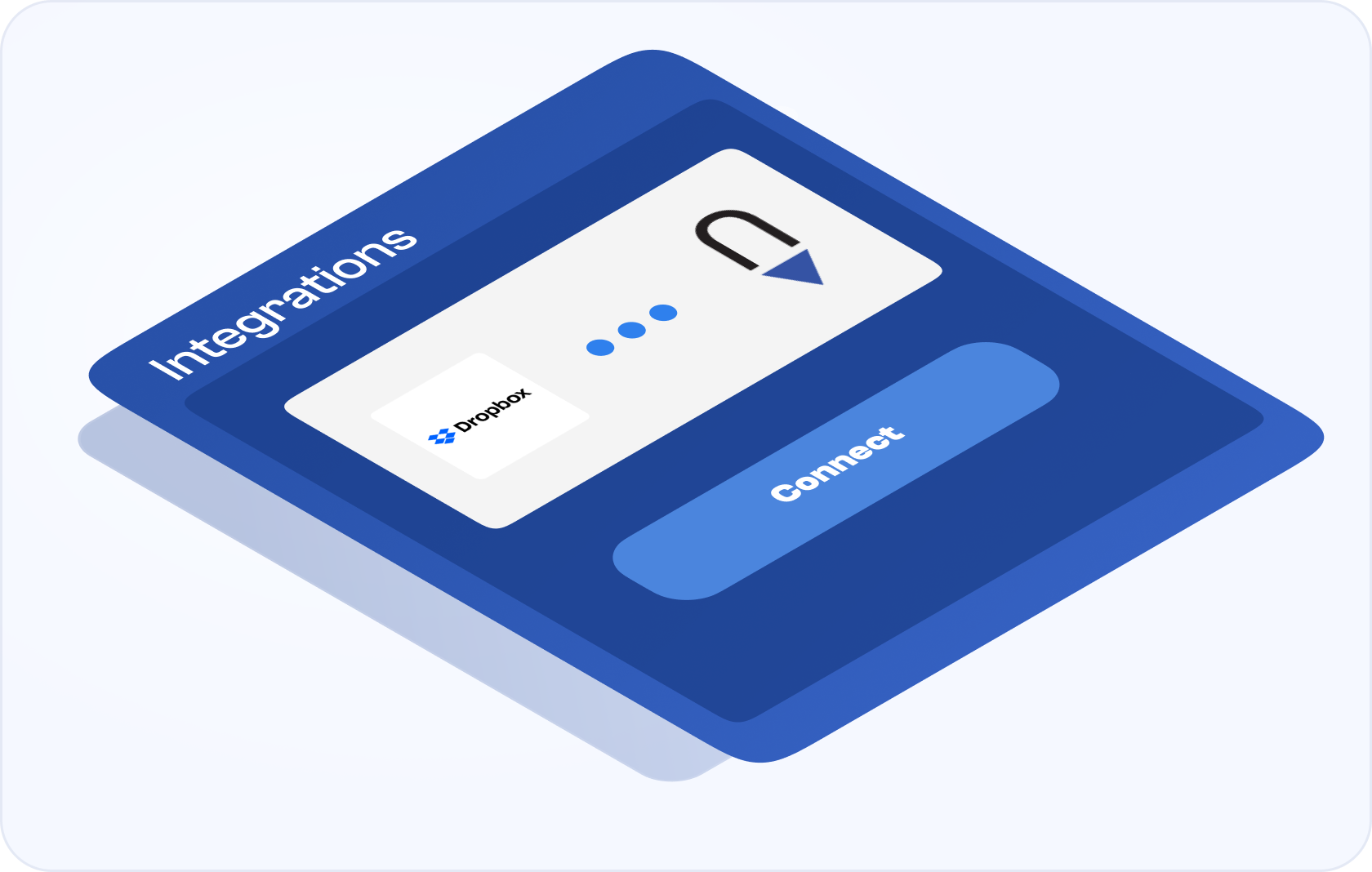
Easily Connect Dropbox and Blueink

Seamlessly link your Dropbox account with Blueink in just a few clicks, making document storage and management effortless.
Scope

Who Uses the Blueink for Dropbox Integration?

Salesperson reviewing and managing signed contracts and proposals stored in Dropbox.
Sales
Automatically store signed contracts and proposals in Dropbox. Each client gets their own folder, keeping sales agreements organized and easily accessible for follow-ups or renewals.
HR professional organizing and storing signed employee documents in Dropbox for onboarding.
Human Resources
Simplify employee onboarding by automatically saving signed offer letters and employment agreements in individual folders for each new hire, ensuring compliance and easy access to critical documents.
Dropbox connection icon representing the seamless integration between Dropbox and Blueink.
IT
Effortlessly manage vendor agreements and internal IT contracts. Automatically store signed documents in Dropbox, with dedicated folders for each vendor or project, making document retrieval and audits quick and easy.

Enhancing signer experiences, building trust

50%

More cost-effective
than DocuSign

4.9/5

Customer
satisfaction score

3 min

Average support response time

0

Zero overage
penalties

See what our partners have to say

Marketing and Advertising
Harley Butler
Adam R.
Sales Director
Exceptional digital signature technology for less than the competition
This is an exceptional product for digital signature for less than the competition.
Technology
Harley Butler
Ali P.
VP Sales Engineering
Great flexible product with easy integration and customer support
Great company with very flexible tools and excellent customer experience.
Hospitality
Harley Butler
Amy K.
Director of Sales
Makes my life much easier!
The two biggest positive changes are how much time I save completing the contract process and how quickly I receive the signed contracts back from the client.
Education
Harley Butler
Angelina B.
SPED Coordinator
Lifesaver for Schools
Blueink is very user-friendly. It is such a huge timesaver and allows our district to meet virtually and send and receive documents in real time. Users can also see when people have signed the documents, and who needs to sign with a reminder feature to resend the documents. I have no complaints about Blueink! All users are able to access the documents, sign them electronically, and receive a copy in a timely manner.
Financial Services
Harley Butler
Ayaz S.
Management Consultant
Great Product and Value
Great value compared to other products and was easy to implement within our platforms. The company provides white glove service and support.
Government
Harley Butler
Beth M.
Human Resources & Compliance
Human Resources paperwork streamlined
BlueInk has streamlined our processes to ensure that all the required paperwork is collected in a timely manner with the proper signature.

FAQs

How do I connect Dropbox with Blueink?

To connect Dropbox with Blueink, go to the Blueink Marketplace, click on the Dropbox option, and authorize the connection. After authorization, your accounts will be linked for easier document handling. ‍

Do I need any special software to use Dropbox with Blueink?

No, you don’t need any additional software. The integration works seamlessly in the cloud, so you can connect and manage your documents directly from your Blueink and Dropbox accounts.

What happens to my signed documents after completion?

Once a document is signed, Blueink automatically stores it in Dropbox. Each signer gets their own folder where the signed document and certificate evidence are saved, keeping everything organized and secure.

What types of documents can I store in Dropbox through Blueink?

You can store any type of document that requires signatures, including contracts, agreements, proposals, and more. Once signed, they’re automatically saved to Dropbox.

Is the integration secure?

Absolutely. Both Dropbox and Blueink use industry-standard encryption and security protocols to ensure your documents are protected and compliant with legal standards.